
Research
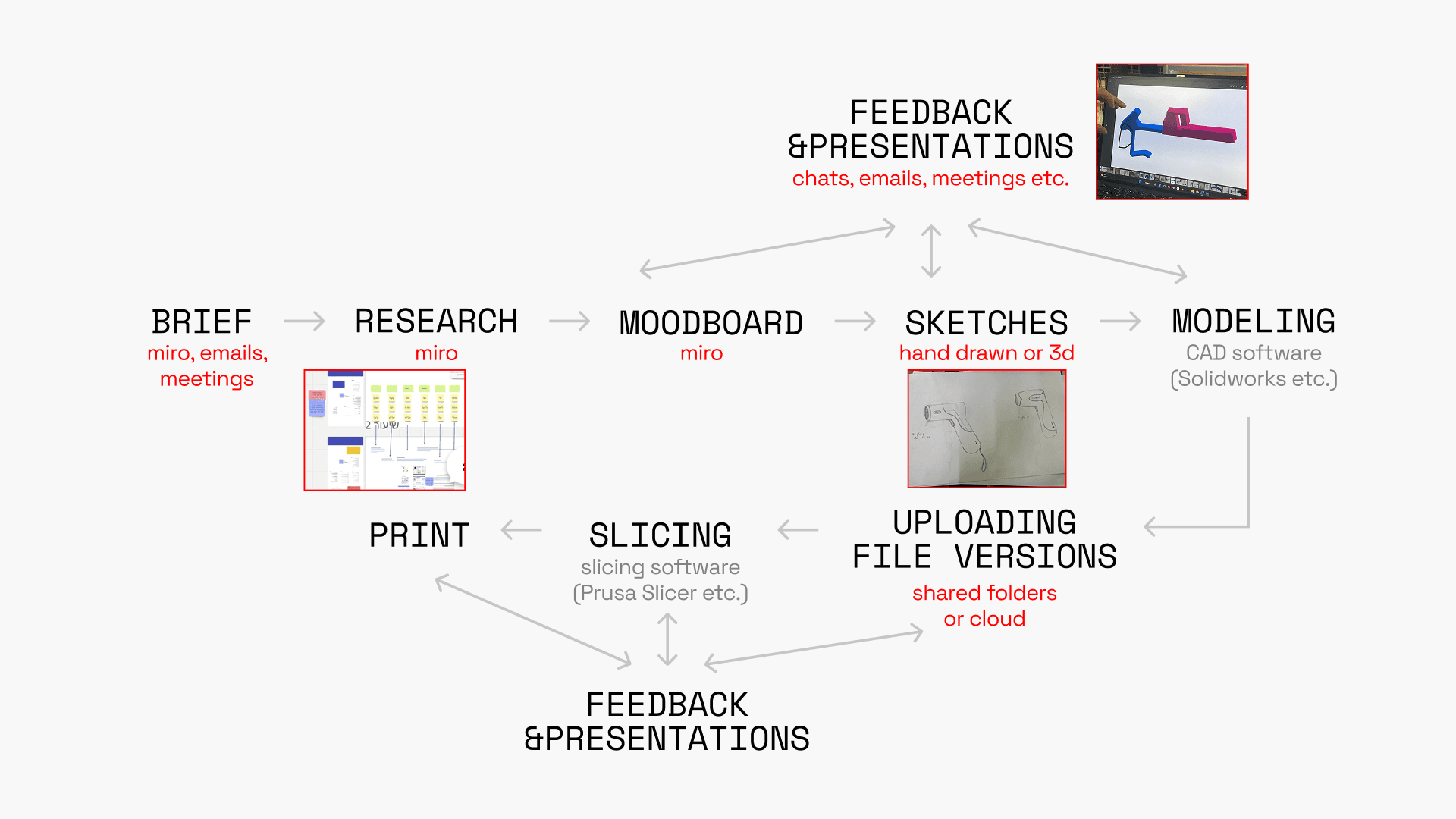
We interviewed product designers who use 3d printing to understand their workflow and which challenges they are facing with.
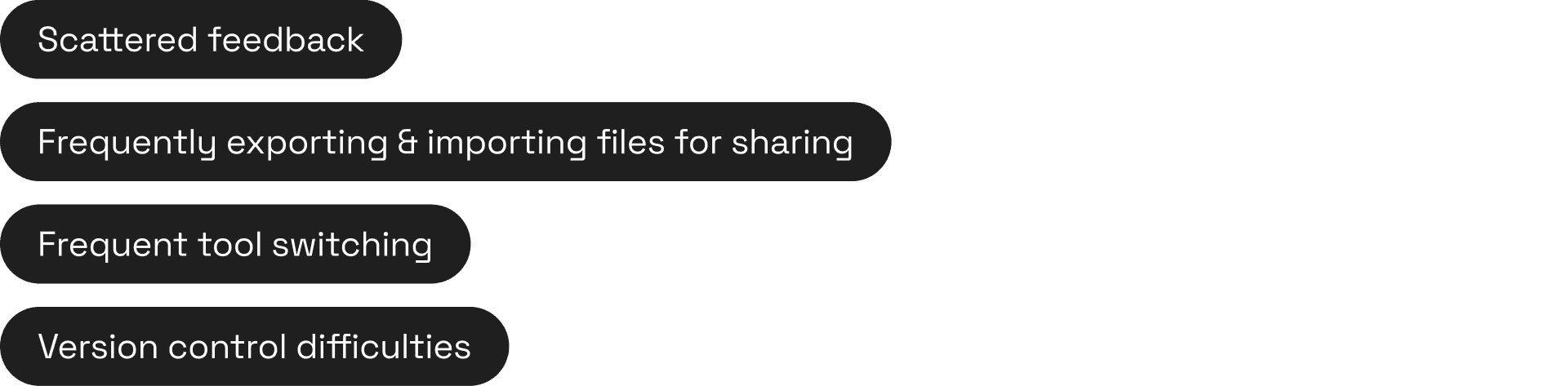
Challenges
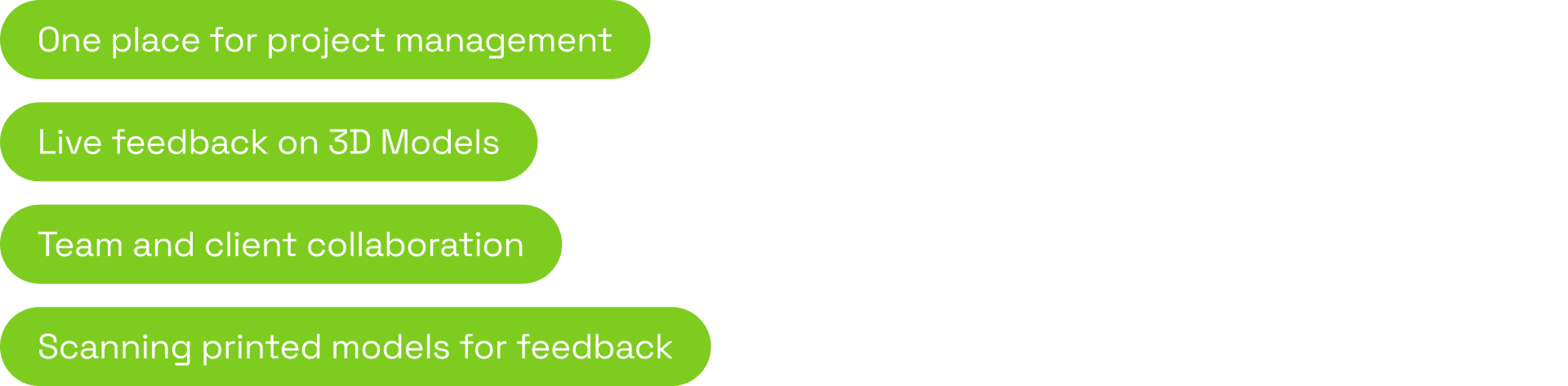
Solutions
User Flows
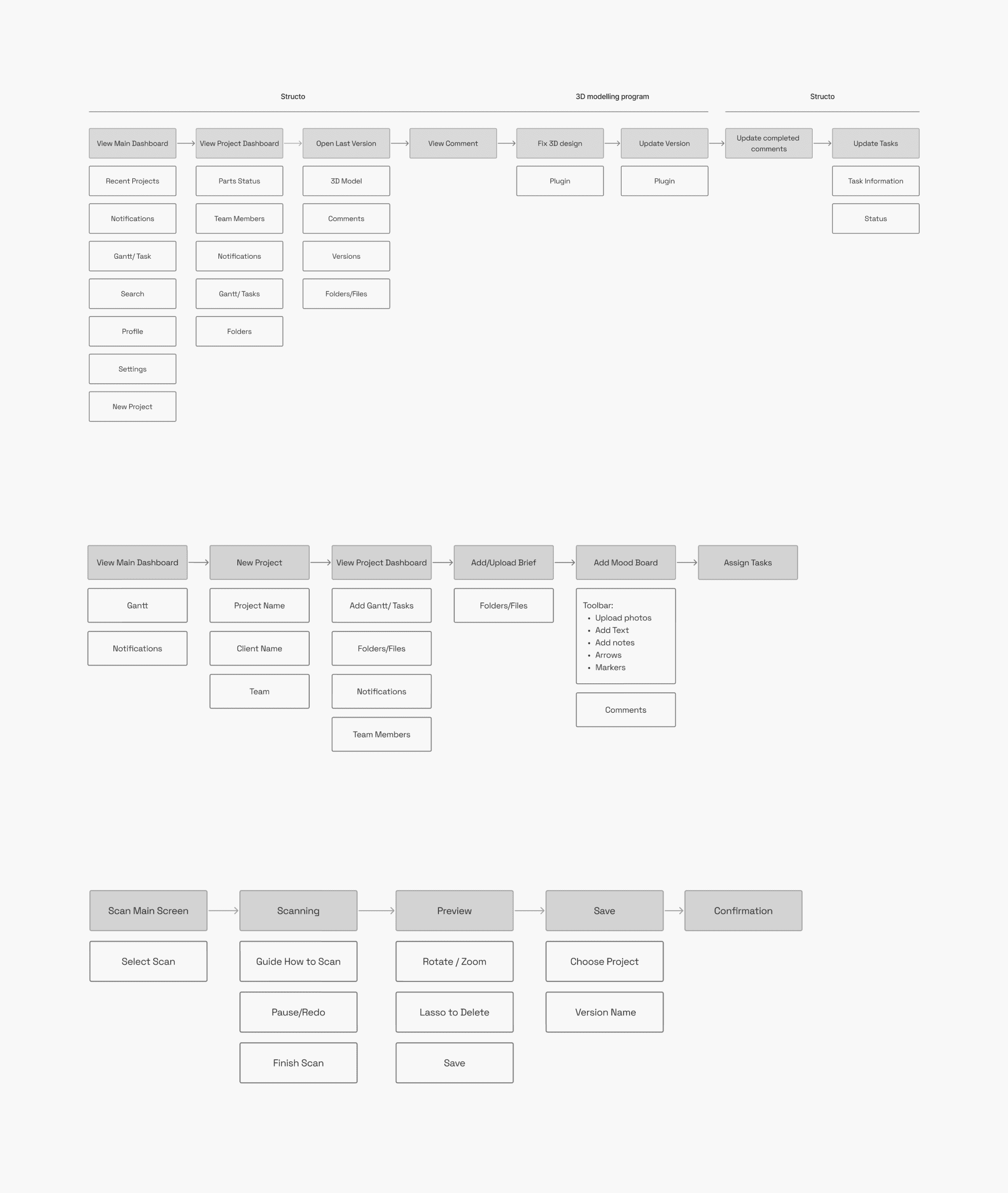
Before moving into design, we created an information architecture for each of the flows:
Task completion flow
New project creation flow
AR scanning flow
Design System
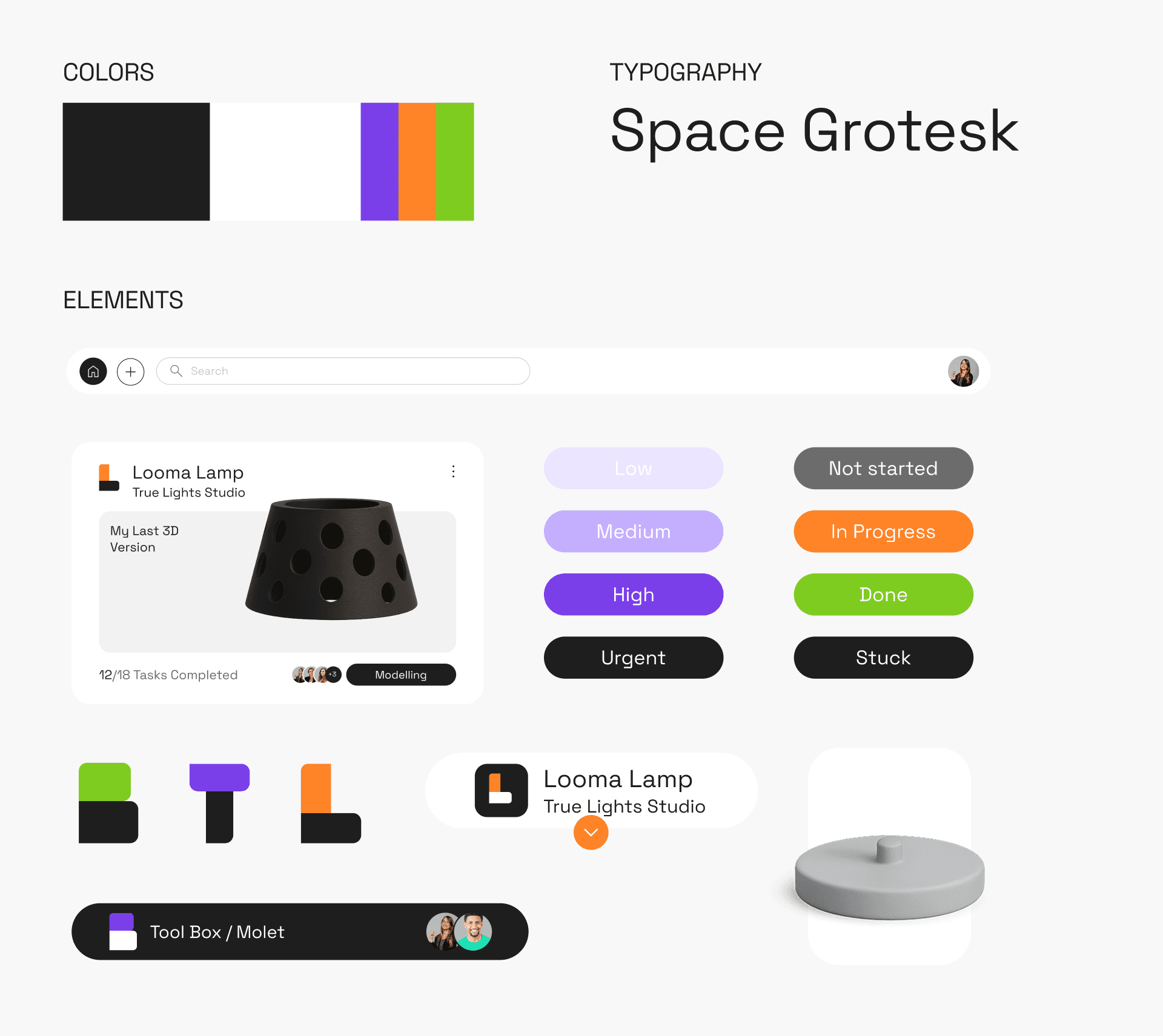
We called the product Structo, and based the entire design on building blocks, both in the logo and the grid.
The visual language is minimal, with most of the system in black and white, and color used only where it helps users differentiate between projects and tasks.

Magic Moments
We created a responsive grid that allows users to show or hide elements on the screen, so they can view the models without distractions.
We also added micro-animations to make the experience more fun.
The Final Design
We designed three flows.
The first flow focuses on completing a task.
It includes using our system to manage feedback and tasks, and a plugin that connects to the modeling software to make file uploads and version tracking easier.
The second flow focuses on creating a new project and is mainly used by the project manager.
Users have three options to create a new board:
Start from scratch
Use a template
Use an AI agent
We focused on the AI flow.
In this flow, the agent shows the user what it already understands about the project based on their input, such as the project type, timeline, and team members.
The user can also choose what to focus on, decide whether to use insights from past projects, and add their own prompt.
Based on all this information, the agent suggests two board structure options.
The third flow focuses on AR scanning.
It allows users to share a prototype simulation with clients or team members, so they can give feedback on the model when it can’t be presented physically at that moment.